Apple Watch · 4 min read
Apple Watch instead of WHOOP: what you already have, and what you'd add
WHOOP is a screenless band on a membership, with daily Sleep, Recovery and Strain scores and 14+ days of battery. A recent Apple Watch with
What WHOOP is
WHOOP is a band with no screen; all your data lives in the WHOOP app, and the app needs a WHOOP wearable. You pay for it as a membership that includes the band, with three tiers (One, Peak and Life), and a
Every morning WHOOP gives you a Sleep score (0 to 100%). Its daily Recovery score (1 to 99%) is based on heart rate variability, resting heart rate, sleep and breathing rate. Its Strain score (0 to 21) measures how hard your day was, and it suggests a target from your Recovery. It also shows heart rate zones and VO₂ max, and its current bands list 14+ days of battery.
Evidence: WHOOP: membership options · WHOOP on the App Store
What your Apple Watch already does
Without adding any app:
- Sleep: the Sleep app shows a sleep score, time in each sleep stage, how long you slept and your
14-day average. Apple bases the score on how long you slept, how consistent your bedtime is compared with your recent history, and how much you woke in the night. - Overnight vitals: the Vitals app shows your overnight heart rate, breathing rate, wrist temperature, blood oxygen (not on some US models) and sleep duration; on Series 12 and Ultra 4, heart rate variability replaces sleep duration. It learns your typical range and, by default, notifies you when at least two overnight metrics are outside it.
- Training load: shows how the intensity of your workouts may be affecting your body over time.
- Heart rate zones: five zones during cardio workouts in the Workout app, and time in each zone afterwards in the Fitness app.
- VO₂ max: Apple calls its estimate Cardio Fitness. It comes from outdoor walks, runs and hikes, and you'll find it in the Health app.
Evidence: Apple Watch User Guide: view your sleep score · Apple Watch User Guide: track your sleep · Apple Watch User Guide: the Vitals app · Apple Watch User Guide: track your training load · Apple Watch User Guide: Heart Rate Zones (watchOS 27) · Apple: track your cardio fitness levels
WHOOP's daily scores and battery life
WHOOP provides a daily Recovery score and recommends a Strain target based on it. Apple's features covered above include a sleep score, overnight vitals and training load. Athlytic, for example, leads its Today screen with Recovery, Sleep and Exertion.
WHOOP also has 14+ days of battery and no screen. If your Apple Watch is charged less than 30% before bed, you're prompted to charge it.
Evidence: WHOOP on the App Store · WHOOP: membership options · Apple Watch User Guide: track your sleep
Where Base fits
WHOOP and Apple Watch both offer daily insights and
Which way to go
- You already wear a recent Apple Watch with
up-to-date software and want sleep, vitals, zones and VO₂ max: you have them. Athlytic leads with Recovery, Sleep and Exertion; Base adds a weekly zone 2 count. - You want a screenless band with long battery life, and coaching built on a daily Recovery score: WHOOP is built for that.
Count your zone 2 minutes
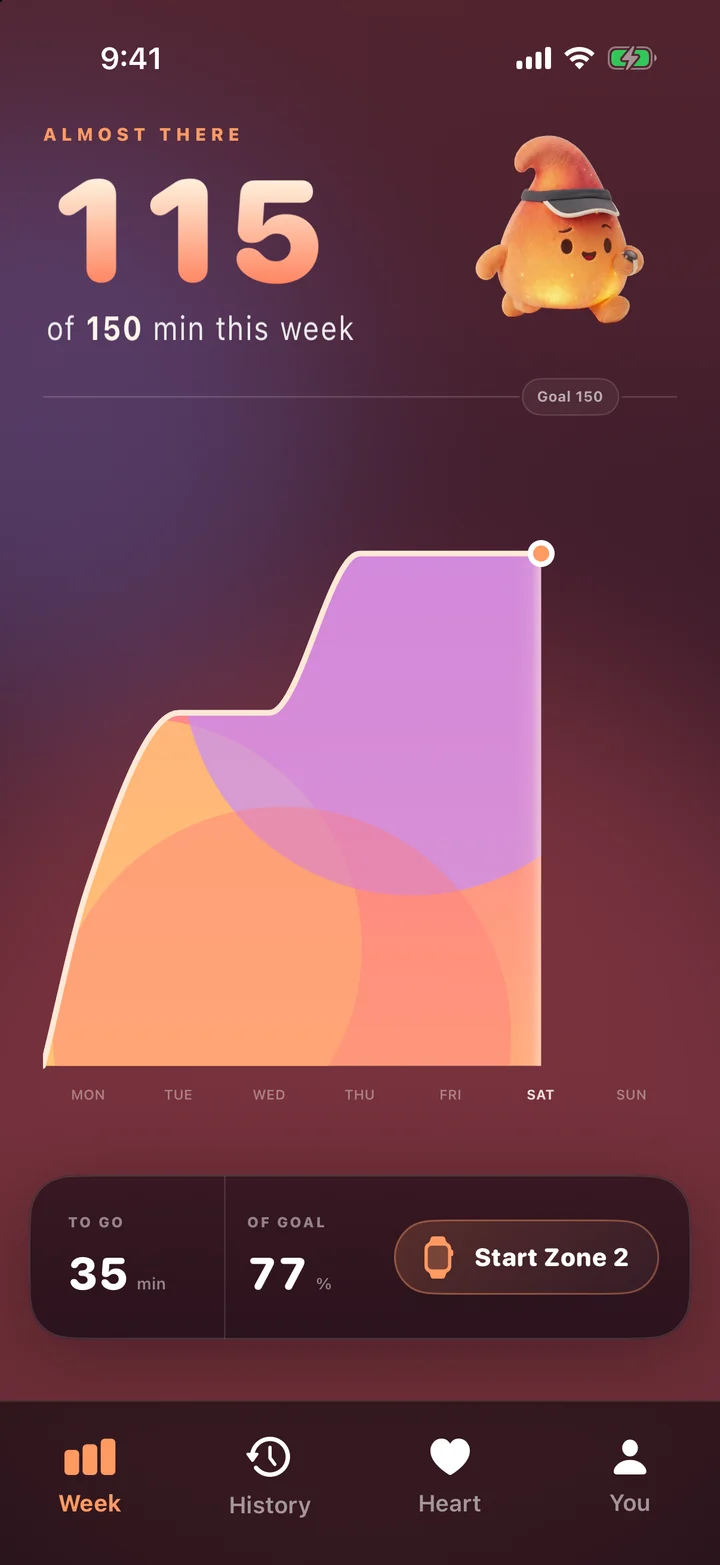
Base counts your zone 2 minutes from recorded workouts in Apple Health and shows them as a weekly total on iPhone and Apple Watch. Keep the minutes coming week after week, and watch your Apple Watch VO₂ max estimate over months.
Sources & further reading
Source types matter:
- WHOOP: membership optionsManufacturer page · fetched November 13, 2026
- WHOOP on the App StoreApp Store listing · fetched November 13, 2026
- Apple Watch User Guide: view your sleep scoreOfficial product documentation
- Apple Watch User Guide: track your sleepOfficial product documentation
- Apple Watch User Guide: the Vitals appOfficial product documentation
- Apple Watch User Guide: track your training loadOfficial product documentation
- Apple Watch User Guide: Heart Rate Zones (watchOS 27)Versioned official documentation · checked November 11, 2026
- Apple: track your cardio fitness levelsOfficial product documentation · published September 14, 2026
Your
Explore the benefits and science · See how Base works · Read the privacy notice